


Caching is a process where frequently accessed data is stored temporarily to allow for faster retrieval, making your website load faster for visitors.
Imagine you just launched a new ice cream shop with custom and specialty flavors that people want to check online before visiting.
Without caching, whenever someone visits your site, the website would have to fetch the information—pictures, descriptions, and prices—from the host server, which takes time. If too many customers visit simultaneously, the server can get overloaded, causing your site to slow or even crash.
With caching, the online experience is always zippy, with photos and information that load seamlessly because the site doesn’t need to recreate the visuals each time. Everything is stored nearby via browser or server memory cache, creating a smooth and fast user experience every time.
For WordPress website owners, caching is crucial because it helps speed up their sites, improves the user experience, and reduces server load, which can ultimately lower hosting costs and prevent crashes during high traffic.
If you’ve ever wondered how sites do this or how to make your site load faster and more smoothly, we have you covered. We’ve rounded up some of the best plugins and will help you know what to look for when choosing a WordPress caching plugin.
What to look for in a WordPress caching plugin
There are a few major elements to look for when selecting a WordPress caching plugin.
A fast website leads to a positive user experience and improved SEO performance. For WordPress sites selling products or services, a faster website powered by caching tools will also help increase conversions and overall sales.
So don’t skimp. Take some time to do your homework before selecting a caching plugin. Here’s what to look for.
No coding required
Adding caching to your WordPress site is something anyone can do. You don’t have to learn code or hire a developer with a solid plugin.
Many of these tools, such as Solid Performance, are free, easy to set up, and don’t require technical knowledge.
Smart exclusions
A smart caching plugin is vital. This means that the cache will intentionally not cache some pages to ensure they display correctly every time. Examples include cart pages and other dynamic or personalized content.
Smart exclusions will help your site load fast when appropriate and in sync when needed. WooCommerce users may be the biggest beneficiaries of this, in that account management and cart pages load perfectly every time.
Solid Performance detects active plugins that have known cache exclusions, like WooCommerce and GiveWP, and implement them automatically. Users can also disable or override these exclusions and manage them manually.
Type of cache
You should focus on browser and page caching for the most part. This is where you’ll reap the biggest benefits for your website.
Browser caching works by storing a site’s content and assets in the browser’s memory for subsequent visits until the user clears their cache.
Page caching works by storing the code of your WordPress URLs in a secure directory. Then, when visitors arrive on your website, the browser doesn’t run through PHP or hit your database again. Instead, it quickly serves the static HTML, CSS, and JS files.
Pay close attention to page caching because it can help improve your core web vitals and potentially boost your site’s search engine optimization.
While there are other types of caching, look for a plugin that handles both browser and page caching. The other types aren’t all that necessary.
Cost
There’s a lot to consider with caching plugins ranging in price from free to more than $99 per year.
If you have a single website, a free caching plugin is likely enough. Paid options are typically for users with multiple site installations.
Setup and maintenance
We know you don’t have a lot of time to spend on website setup and maintenance and this applies to plugins, too. A caching plugin should be set-it-and-forget-it.
Setup should only take a few clicks and product registration. Your caching plugin should not require maintenance or a lot of updates.
Solid Performance lets you get everything running in just a few minutes with a practically maintenance-free environment after installation. This makes it an easy solution from Day 1 to 1,000+.
Best WordPress caching plugins
Before you jump in and download a plugin, you’ll want to do some research to find a tool that fits your website or websites. We’ve gathered some of the best free and paid caching plugins to make your homework easy.
Solid Performance

Solid Performance is a caching plugin that’s built for speed. It’s a no-code solution that works on any WordPress site. Your site will be faster and even produce better results: Sites with Solid Performance have reported a 433% improvement in requests per second. (It’s that fast!)
Key features include:
- Instant site optimization from a single plugin
- Improved speed and search ranking
- Flexibility for site admins
- Browser and page caching
- Smart exclusion caching that works with popular ecommerce and donation plugins
- Setup takes just a couple of clicks and simple settings
Cost: Free
W3 Total Cache
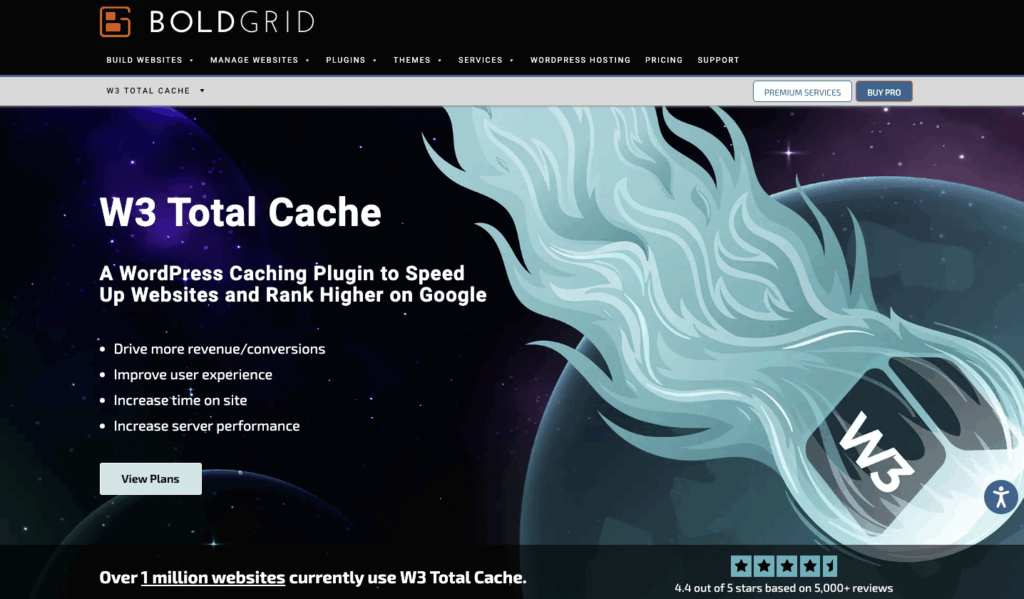
W3 Total Cache uses a combination of caching techniques to optimize website speeds and performance. They also offer other add-on tools to help boost performance, including lazy loading and WebP image conversion, as well as a content delivery network.
Key features include:
- Page caching
- Fragment caching
- REST API caching
- Database caching
- Object caching
- Browser caching
Cost: Starts at $99 per year
Jetpack Boost
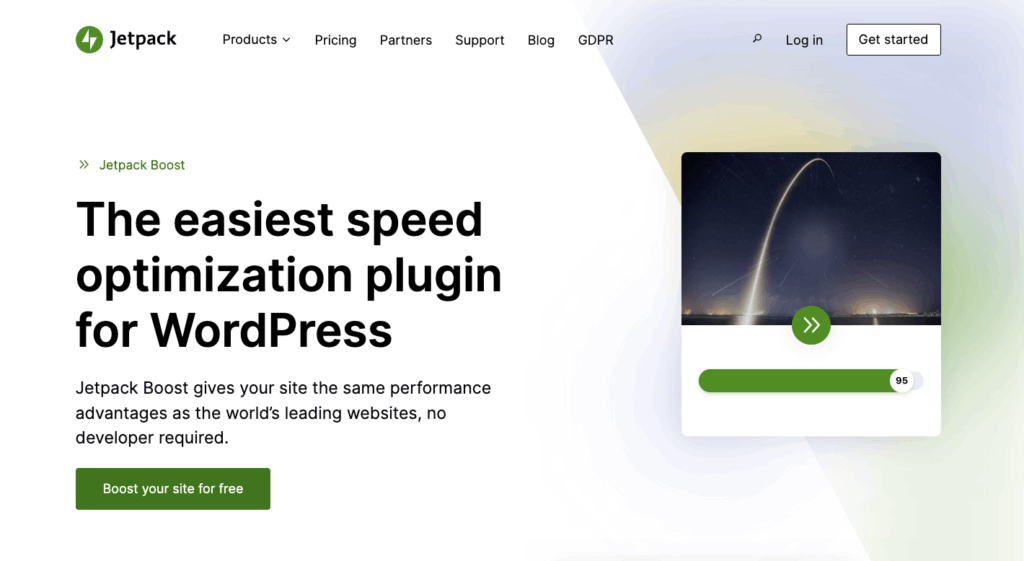
Jetpack Boost is an easy-to-use speed optimization plugin available for WordPress because you don’t need a developer for installation. What makes it stand out is a site performance scoring tool.
Key features include:
- Caching with smart rules to keep dynamic pages separate
- Easy installation
- Simple dashboard to help understand website speed elements
- Image content delivery network (CDN)
Cost: Free plan available
WP Fastest Cache

WP Fastest Cache is designed to boost the Google PageSpeed Insights score, Core Web Vitals, and other performance metrics for WordPress websites. Like other tools on this list, it’s user-friendly and easy to use.
Key features include:
- More caching types than most other tools
- Minification tools
- Database cleanup option
- Cache stats dashboard
- Lifetime user license
Cost: Starts at $49
Speed Optimizer
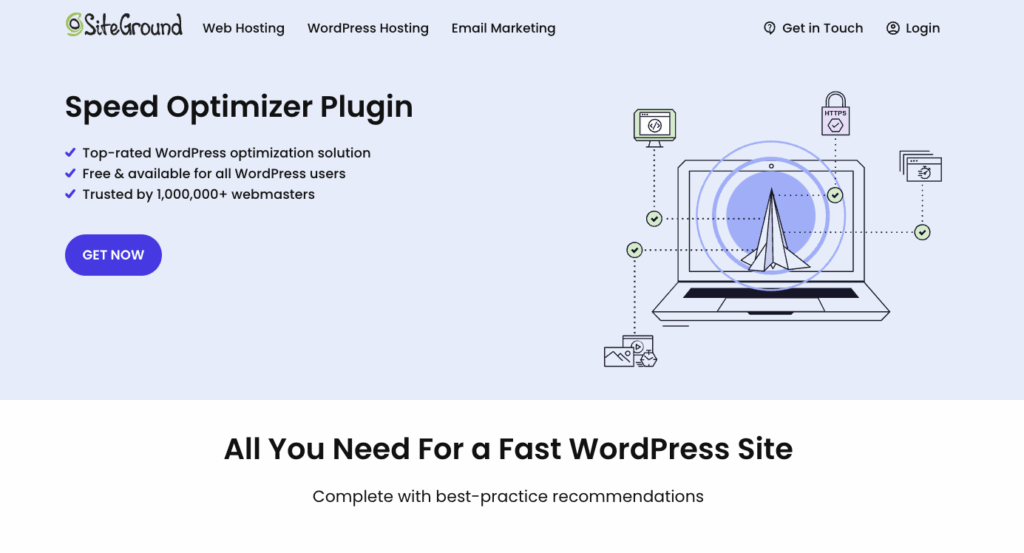
Speed Optimizer by SiteGround is available to hosting clients and all WordPress users, but some more advanced features are available only to hosted sites. Make sure to check the feature list to ensure you get all the tools you need based on your host environment.
Key features include:
- File-based caching, dynamic or smart caching available to SiteGround hosting users
- File minification
- Media optimization, with image compression and WebP available to SiteGround hosting users
- Included website speed tests
- Ability to manage website resource usage and bandwidth
Cost: Free
Solid Performance: Simple but powerful caching for WordPress
Solid Performance is the top choice for website owners who are ready to install a caching plugin. The free tool is easy to use and doesn’t require a developer or coding to get started.
This plugin features full-page caching, creating a strong foundation in load speed. Add smart features, and your dynamic pages can be excluded from caching to provide a better user experience. Use these smart cache exclusions so that ecommerce or donation sites run exactly as expected.
It’s one of the most user-friendly tools out there. After a few clicks for installation, all the information you need is located in a top-level “Performance” page, where you can easily access all caching-related settings. Basic and simplified settings ensure that your setup is right every time.
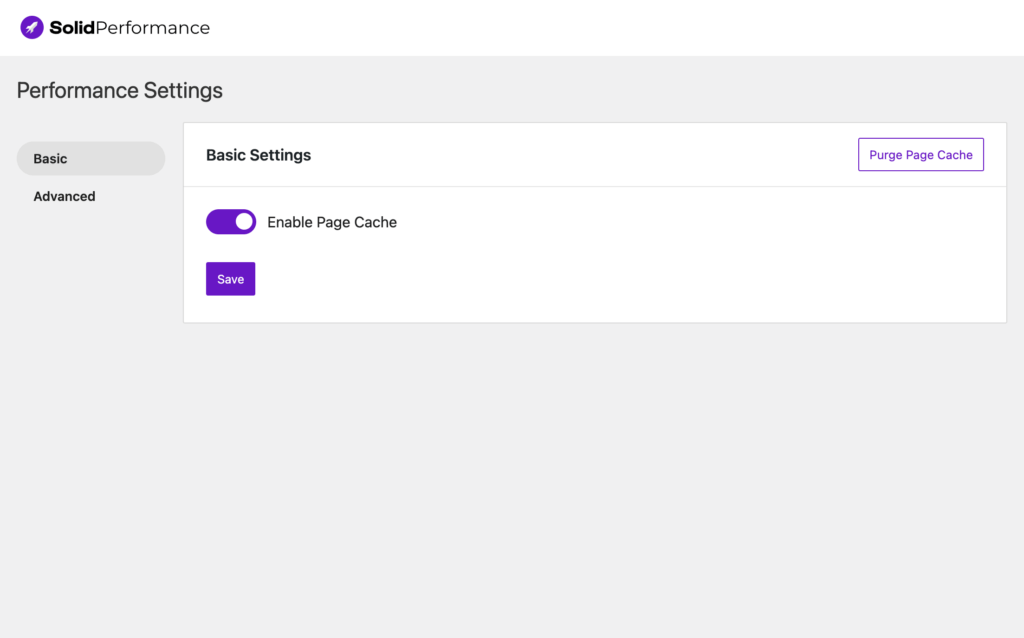
Simple settings include a toggle option to turn the cache on. Plus, a large, easy-to-find clear cache button gives you custom control. Even the advanced settings are pretty simple, with fields that tell you exactly what information to include.
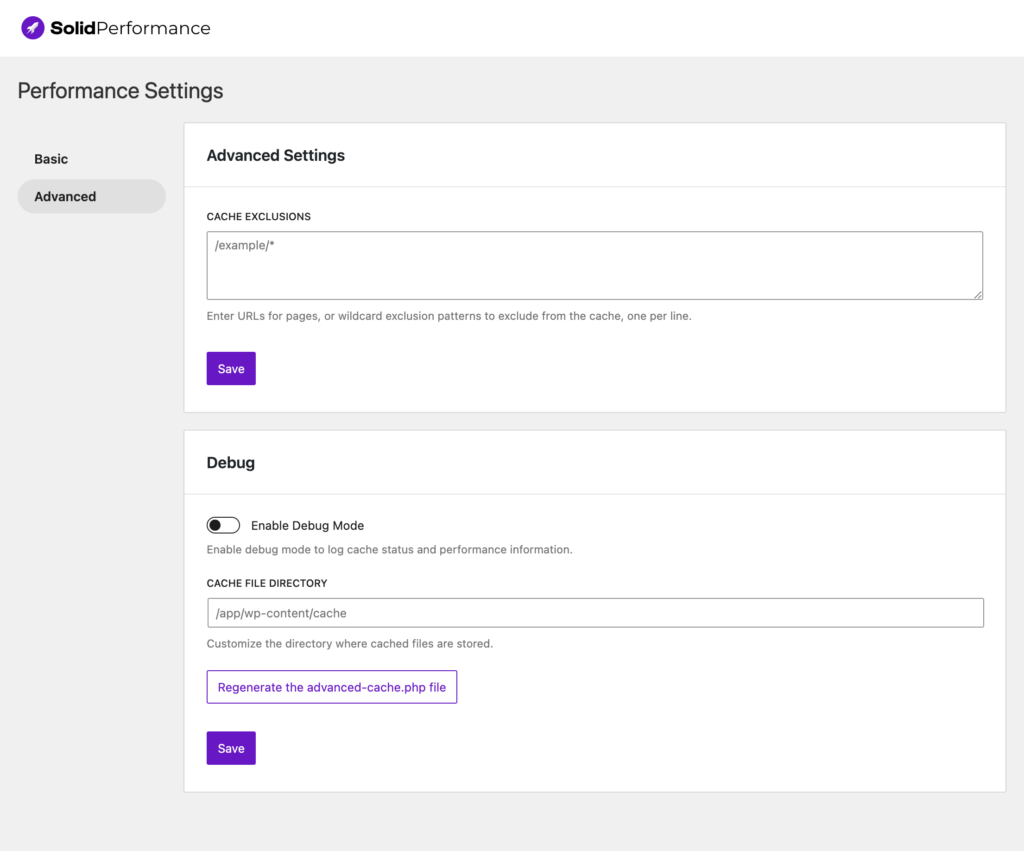
But at the end of the day, it’s all about performance. Solid Performance has that covered, too. WordPress sites using this caching plugin have seen better speed and search rankings, higher engagement and revenue, and increased client satisfaction.
A smoother site experience leads to higher conversion rates and decreased bounce rates. With Solid Performance, it’s really that easy.
Optimize your site now
WordPress website caching will make your site run faster, improve search engine rankings, and provide a better overall user experience. Sites that use caching see improvements in load speed and overall conversions.
Solid Performance has everything you need to boost your website speed and generate a better impression with users. Not only does it have metrics to support strong results, but it’s also easy to install and use. Best of all is the price – it’s free! (We don’t think you’ll find a better value.)
Join us for the next Solid Academy Webinar!
Free weekly webinars that will help you master WordPress and increase your business's bottom line.
What is a WordPress Phishing Attack?
Learn how to identify and prevent phishing attacks on WordPress websites.
Kiki SheldonWebsite Protection: 5 Ways to Keep Your Website Safe
Robust website protection is the shield that stands between your business and relentless cyber attacks. Prioritizing website protection enables businesses to fortify defenses to safeguard their online presence and preserve the trust of their customers in the face of ever-evolving cybersecurity threats.
Kiki Sheldon23 Ideas To Grow Your WordPress Business in 2023
WordPress is the most popular website-building platform worldwide, trusted by numerous brands. WordPress enables you to build a user-friendly and highly reliable site, together with tools and plugins to enhance your marketing and work like a lead magnet. All these features make WordPress the platform chosen by more than 43% of businesses globally.
SolidWP Editorial TeamSign up now — Get SolidWP updates and valuable content straight to your inbox
Sign up
Get started with confidence — risk free, guaranteed




