Add Users to Your iThemes Sync Account
With Sync Pro, you can add multiple users to your iThemes Sync account so you can share your iThemes Sync dashboard.
To get started, you’ll need:
- an iThemes Sync Pro account
- The email address of the user you wish to add to your Sync account
Adding Users to Your iThemes Sync Account
1. To add a new user to your account, expand the settings menu on the right-hand side of the screen.
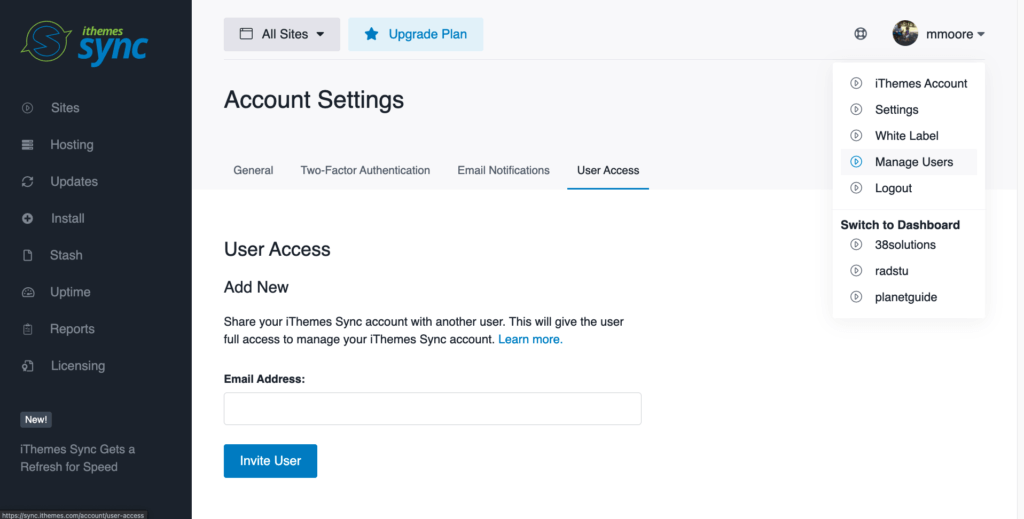
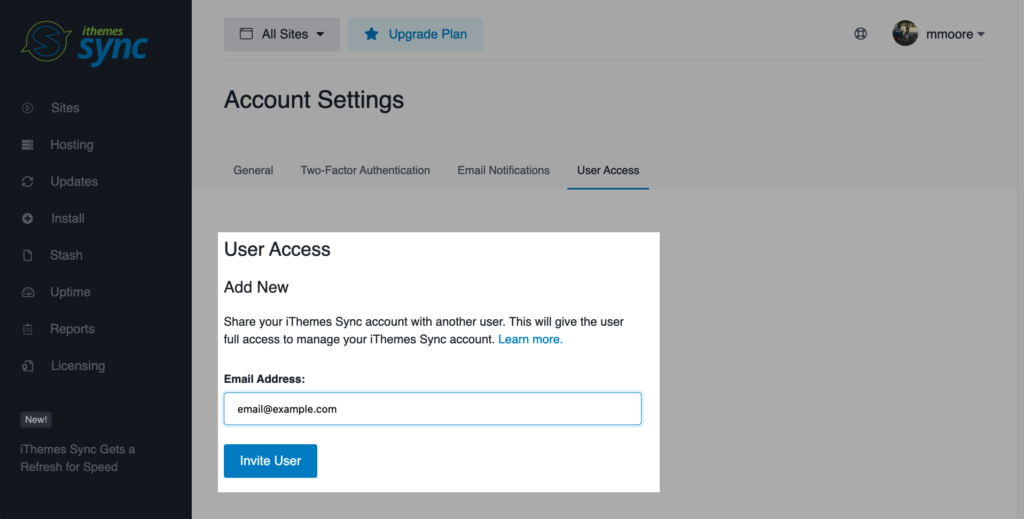
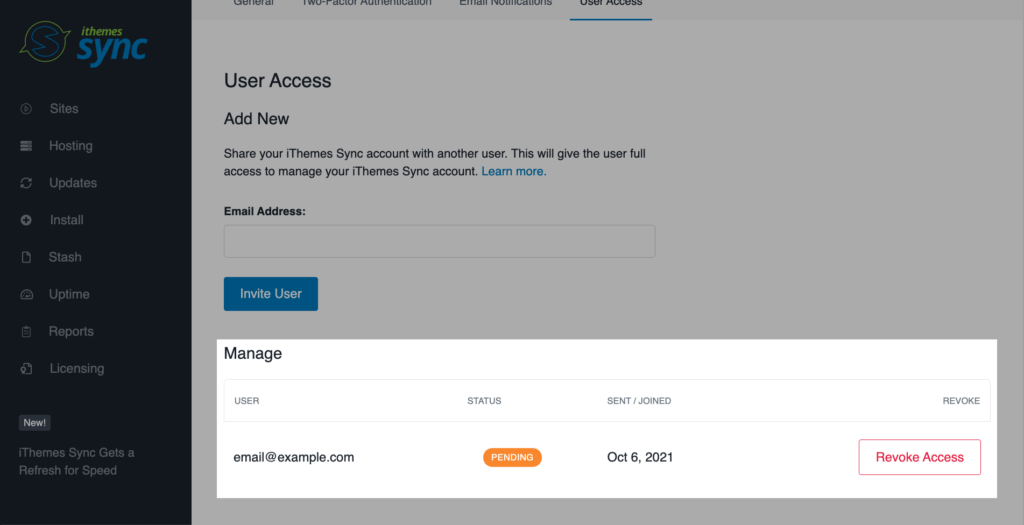
Enter the email address of the user you wish to add and click “Invite User.”
An email will be delivered to the email address you entered with a link to accept the invitation to manage your Sync account.
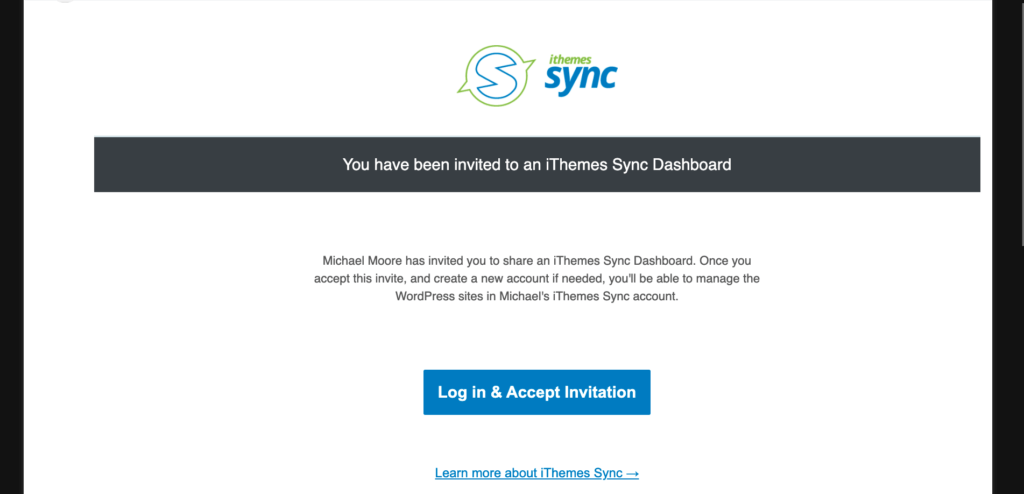
When the user clicks the “Log in and accept invitation” button, they’ll be taken to a page to accept the invitation.
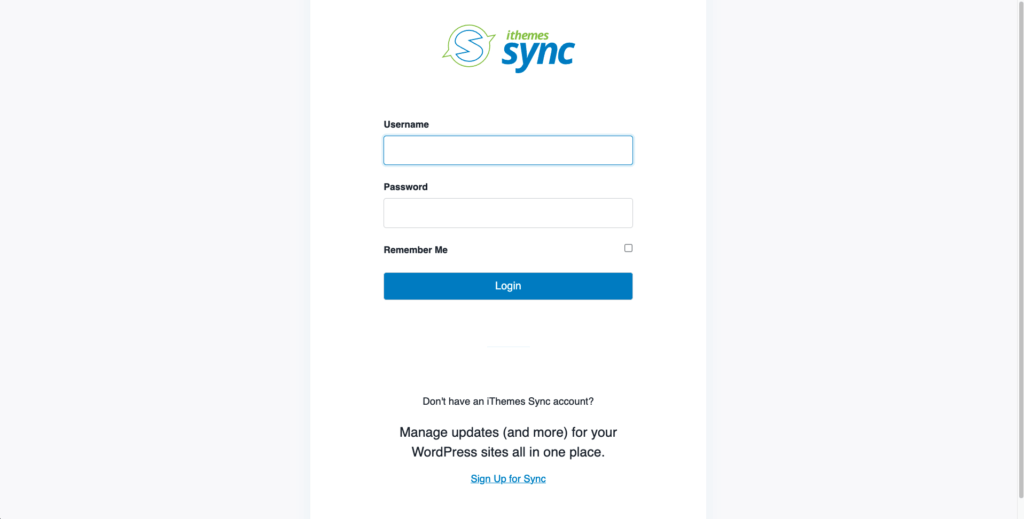
The user can then login or create a Sync account. Once the user logs in, they’ll see an option to view the shared Sync dashboard in addition to their own Sync account.
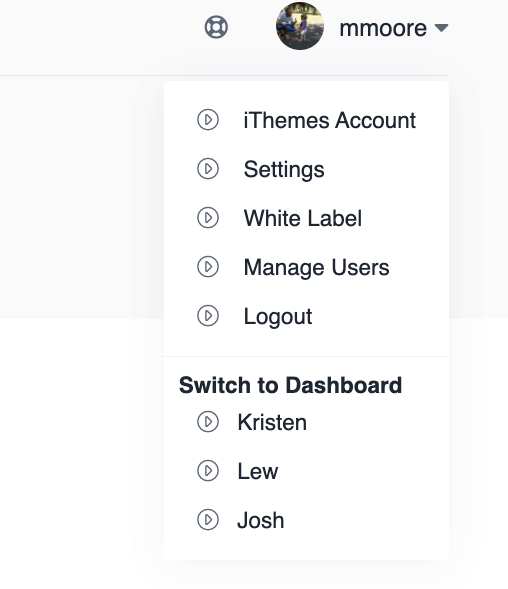
Managing Users
If you need to revoke access for a user, visit the Settings > User Access tab. You’ll see a list of authorized users for your Sync account.
Add Users to Your Sync Account with Sync Pro
With Sync Pro, you get WordPress uptime monitoring, WordPress maintenance reports, Client Dashboard and more.



